Installing BepInEx
Download the latest version of BepInEx v5 for 64-bit Windows (
BepInEx_win_x64_5.x.x.x.zip-- wherexis any number) from the BepInEx GitHub releases page.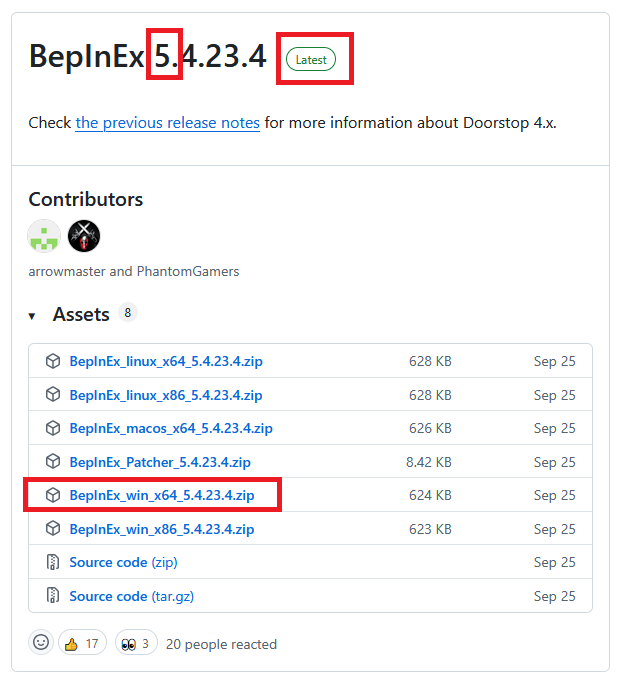
Go to Mad Island folder (right click the game on Steam > Manage > Browser local files)
Extract the downloaded file there (use
Extract hereoption)Start the game once so additional files are generated by BepInEx.
Close the game
You should now be ready to install mods. You probably want to go to Yotan Mod Core next.